

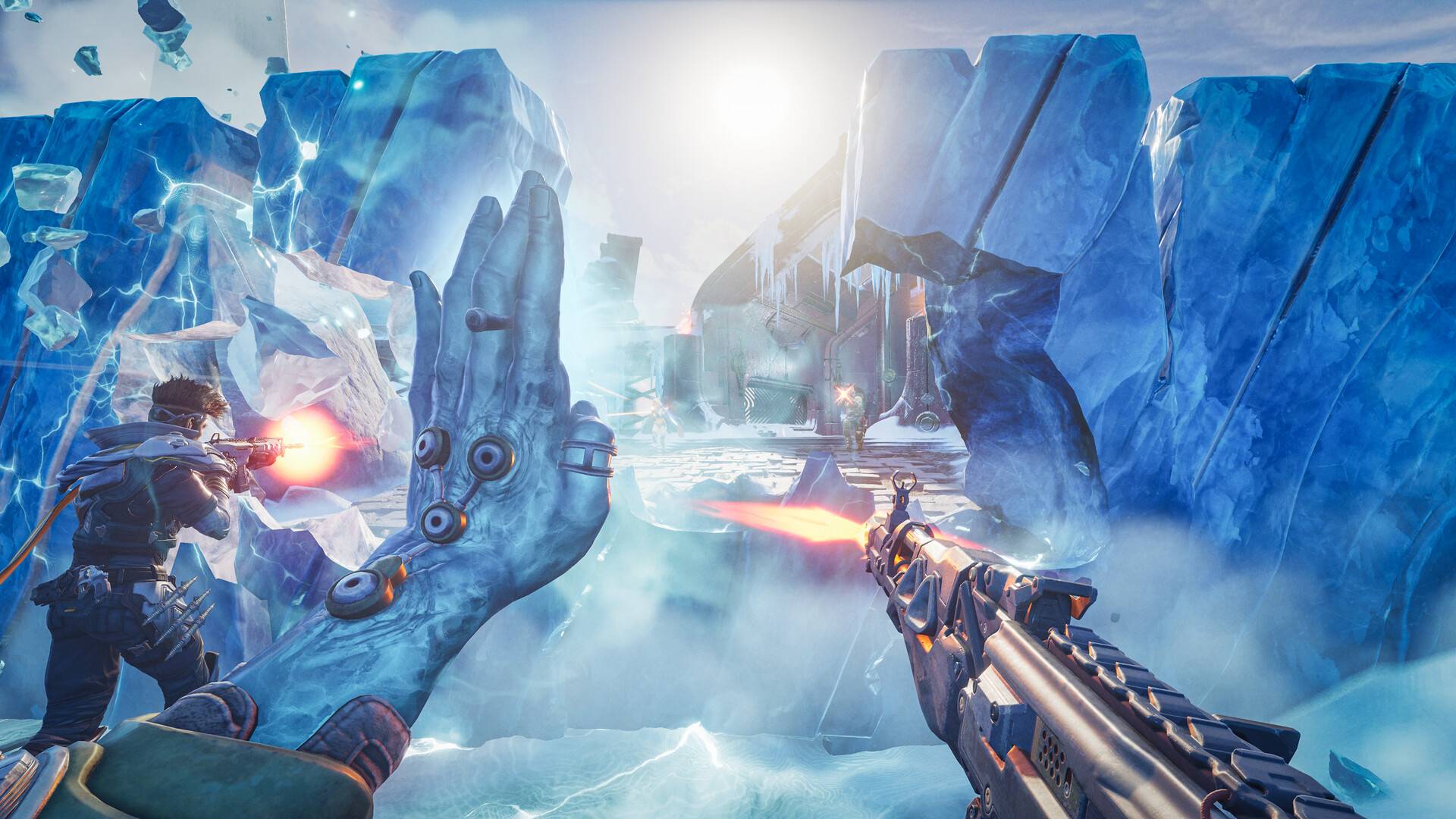
Shortly after announcing it, developer Wildlight Entertainment has released a patch for its PvP raid shooter Highguard, hoping to address the feedback it has seen from players since its release. Among the new additions with patch 1.0.4 are FoV sliders for console players, toggle options for aim-down-sights and crouch, and more video settings for PC players.
The studio has also noted that it is working on more optimization improvements for the next updates, but “they just need a few more days to cook.”
As a direct result of the new toggle ADS and crouch options, the studio has also noted that tapping Sprint when toggling into ADS results in swapping your scope. While disorienting on controllers, it also recommends PC players to rebind the key for scope swap if using Toggle ADS. As for console players that can’t rebind their buttons yet, Wildlight Entertainment is still looking into addressing this.
The new video settings allow console players to raise their FoV to 110. Options have also been added for disabling volumetric fog, and “View Distance Quality”, the latter of which can control level of detail on skeletal meshes to fine tune CPU and GPU usage. Shadows and reflections have also been tuned for low scalability settings.
Wildlight Entertainment has noted that, with the patch, bugs related to online user presence and matchmaking were also fixed, resulting in a reduction of crashes due to using the in-game social features by around 90 percent.
Players also now have options to toggle Anisotropic Materials, Chromatic Aberration and Bloom. However, Motion Blur and Depth of Field options don’t have a way to be disabled yet, with the studio noting that they “need more testing to disable safely.” An engine bug that could throttle laptop players to 60 FPS despite their own settings has also been fixed. For more details, check out the full patch notes below.
Highguard is a free-to-play game available on PC, PS5 and Xbox Series X/S. Check out our review for more.
Highguard update 1.0.4 patch notes:
Settings Improvements
Game Input Settings
- Added the ability to set Crouch to Hold or Toggle for all platforms.
- Added the ability to set Aim Down Sights to Hold or Toggle for PC only (for now).
Video Settings
- Console users can now adjust FoV to 110.
- Low scalability settings for shadows and reflections are tuned for even more performance at the cost of some image quality.
- Low shadow setting now also disables volumetric fog.
- Added a new “View Distance Quality” setting that controls skeletal mesh LODs, which can be another useful control to tune GPU and CPU usage.
Players now have the ability to toggle the following features on or off, irrespective of other quality options:
- Anisotropic Materials
- Chromatic Aberration
- Bloom
Motion Blur and Depth of Field need more testing to disable safely. Look for these options very soon.
- DLSS users now have the ability to select a DLSS preset. More presets and better descriptions are coming in the next patch.
- Players can now select Off to disable Global Illumination entirely.
- Resolved an engine bug which could inadvertently throttled laptop users to 60 FPS regardless of frame rate settings.
Crash and Bug Fixes
This patch resolves crashes that could occur in the following scenarios
- Leaving a match on PS5 with an unexpected input state.
- Loading into matches on machines with slower storage devices.
A number of other bugs related to online user presence and matchmaking were also resolved.
- Friends now appear online correctly after accepting requests, and Xbox presence updates properly. Major crash fixes have reduced crashes by 90%, significantly improving stability.
- Friend status is fixed – players now appear online correctly and Xbox presence updates reliably. Our top crash issues are gone resulting in a 90% crash reduction.
Comments are closed.